Apple iPad Air 5th Generation: How to Use It in Uganda
The Apple iPad Air 5th Generation is a lightweight, powerful tablet that fits both work and play. In Uganda, the device’s M1 chip and 10.9‑inch Liquid Retina display make it a compelling choice for students, freelancers and creative professionals.
Key takeaways
- Unboxing is quick; everything you need is in the box.
- Wi‑Fi setup takes only a few minutes with a local network.
- Accessories like the Magic Keyboard and Apple Pencil boost productivity.
- The M1 chip handles multitasking and gaming with ease.
- Regular cleaning protects the screen from dust and heat.
Unboxing and first impressions
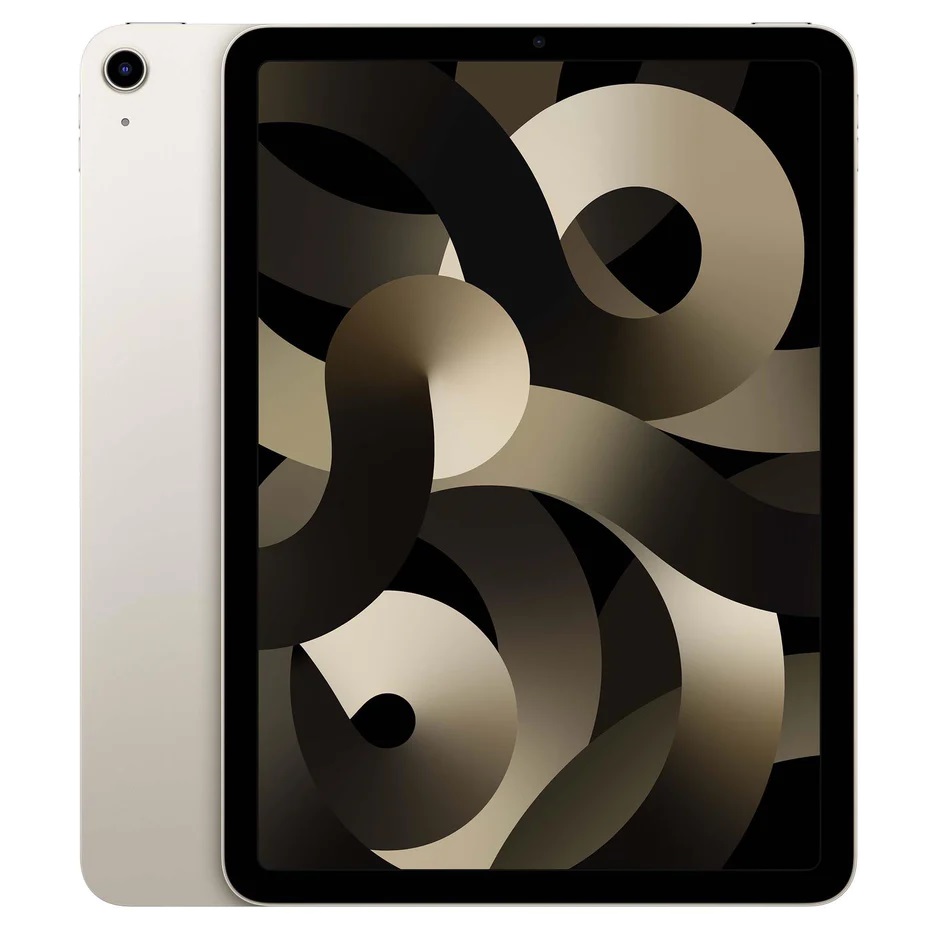
The box contains the iPad Air, a USB‑C power adapter, a USB‑C charging cable and a brief guide. Choose a colour that suits you – Blue, Pink, Purple, Space Grey or Starlight are available. The 10.9‑inch Liquid Retina display with True Tone looks vibrant even under Kampala’s bright sunlight.
Apple iPad Air 5th Generation: Setting up Wi‑Fi and Apple ID
Turn on the device by holding the top button until the Apple logo appears. Follow the on‑screen prompts to select your language, region (East Africa) and connect to a Wi‑Fi network. Most Ugandan cafés and homes use Wi‑Fi 6, which the iPad Air supports for faster speeds.
Signing in with your Apple ID unlocks iCloud, the App Store and Find My iPad. If you don’t have an Apple ID, you can create one during setup – you’ll need an email address and a password.
Navigating iPadOS and essential apps
iPadOS 15 offers a desktop‑like experience with multitasking gestures. Swipe up from the bottom to open the Dock, then drag an app to the side for Split View. Use the new Stage Manager to organise multiple windows on the larger screen.
For Ugandan users, the App Store provides locally relevant apps such as Mobile Money, local news portals and educational platforms. Install Microsoft Office or Google Workspace for productivity, and consider the Adobe Lightroom app for photo editing.
Using accessories – keyboard and Apple Pencil
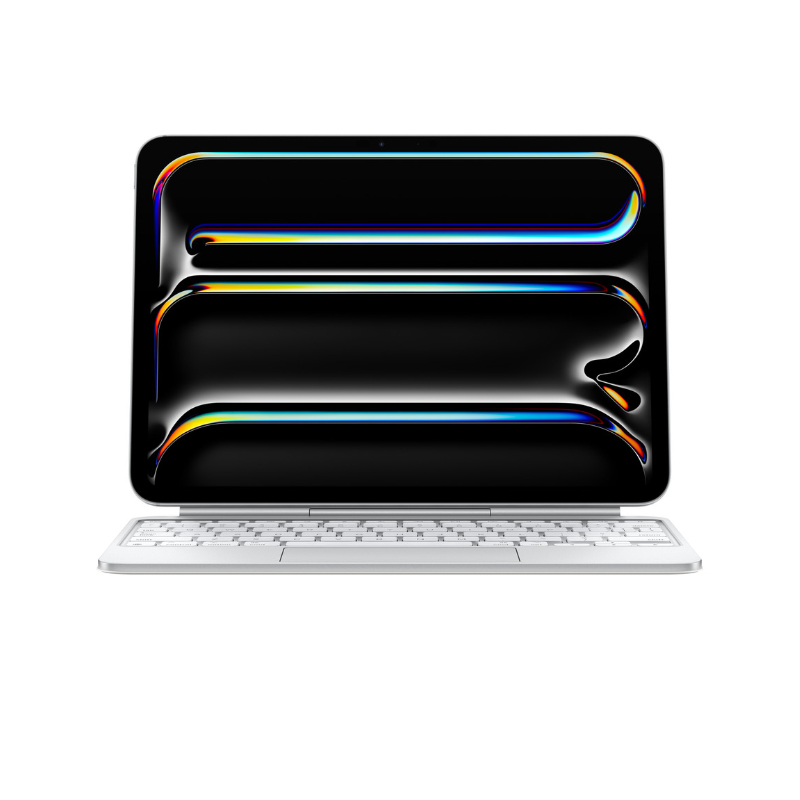
The iPad Air works with the Magic Keyboard and the 2nd‑generation Apple Pencil. The keyboard connects via the Smart Connector; no Bluetooth pairing is required. It adds a trackpad and backlit keys, turning the tablet into a mini‑laptop.
The Apple Pencil attaches magnetically to the side and charges wirelessly. It’s ideal for note‑taking in university lectures or sketching design ideas. Both accessories are sold separately in Uganda, but they are fully compatible with the Wi‑Fi model.
Performance tips – M1 chip, battery and storage
The M1 chip delivers desktop‑class speed, so you can edit 4K video, run graphic‑intensive games and switch between apps without lag. To keep performance smooth, close background apps you’re not using – swipe up from the bottom and swipe the app off the screen.
The iPad Air offers 64 GB, 128 GB and 256 GB storage options. Choose 256 GB if you plan to store large media files locally; otherwise 128 GB is ample for most users. Battery life typically lasts a full day of mixed use, thanks to the energy‑efficient M1 chip.
| Storage | Colour options |
|---|---|
| 64 GB | Blue, Pink, Purple, Space Grey, Starlight |
| 128 GB | Blue, Pink, Purple, Space Grey, Starlight |
| 256 GB | Blue, Pink, Purple, Space Grey, Starlight |
Caring for your iPad in the Ugandan environment
Dust and heat are common in many Ugandan cities. Keep the screen clean with a microfiber cloth and avoid exposing the tablet to direct sunlight for long periods. If you use the device outdoors, consider a rugged case that protects against drops and scratches.
When charging, use the supplied USB‑C adapter and avoid cheap third‑party chargers that may affect battery health. The iPad Air supports fast charging, so a 20 W adapter can fill the battery in about an hour.
Regular software updates improve security and add features. Go to Settings → General → Software Update to check for the latest iPadOS version.
With these steps, the Apple iPad Air 5th Generation becomes a reliable partner for work, study and entertainment across Uganda. Explore the accessories available at Apple Store Uganda & iPhone Shop Kampala to tailor the tablet to your needs.
Apple iPad Air 5th Generation Wi-Fi
UGX3,500,000
FAQ
How do I connect the iPad Air to Wi‑Fi in Uganda?
Open Settings, tap Wi‑Fi, select your network, enter the password and tap Join. The iPad Air supports Wi‑Fi 6 for faster connections.
Can I use the Apple Pencil with the Wi‑Fi model?
Yes, the 2nd‑generation Apple Pencil attaches magnetically and works with the Wi‑Fi iPad Air.
What storage size should I choose for local video editing?
For editing 1080p or 4K video, 256 GB provides enough space for raw files and apps.
Is the iPad Air compatible with the Magic Keyboard sold in Uganda?
The Magic Keyboard connects via the Smart Connector and is fully compatible with the Wi‑Fi iPad Air.
How long does the battery last on a typical day?
Most users get around 10‑12 hours of mixed use, thanks to the energy‑efficient M1 chip.
Sources
- Business Insider: What's the newest iPad? We break down Apple's current lineup, from the A20 Pro Mini to the M4 Air.
- CNET: These iPad Air Deals Help You Get Apple’s Tablet for Less Than You Might Think
- MacRumors: iPad Mini vs. iPad Air Buyer's Guide: Now Just $50 Apart
- PhoneArena: Apple iPad mini 2026 release date, price, specs, and must-know features
- Apple: Apple gives iPad mini its biggest update ever